How do I share a Virtual Gift on Facebook and other social networks?
How do I send a Virtual Gift by email?
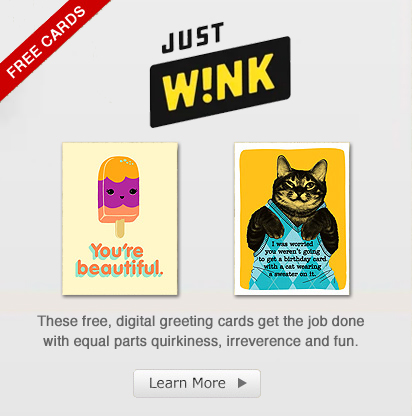
Virtual Gifts are static postcards designed for sharing on Facebook as complementary to ecards. Virtual Gifts benefit from a simplified sharing and sending process so you can be more efficient when you share a quick smile. Virtual Gifts therefore go by the motto: "easy to send, easy to smile!"
Click here to browse free Virtual Gifts!
How do I share a Virtual Gift on Facebook and other social networks?
Sharing Virtual Gifts is easier than ever. Simply click on the blue "F" button that reads "Share on Facebook" in the left corner under the Virtual Gift.
Next, choose between "Post to a friend's wall" and "Post to my wall". If you chose "Post to a friend's wall" select your friend from the list in the dropdown menu and please note: you can share Virtual Gifts only to Facebook users in your Friend's list who allow posting on their wall. If you cannot find the friend you were looking for in the list, they may not have this option enabled.
After you choose where you want to post the Virtual Gift, fill in your user and password in the Facebook windows that pops up and click Share.
If you wish to post on other social networks than Facebook, select their icon in the menu on the right on the window and follow the steps.
How do I send a Virtual Gift by email?
In order to send a Virtual Gift by email, click on the envelope "Email" button in the right corner under the Virtual Gift.
In the popup window, fill in the necessary information (sender and recipient email, personal message). Click "Preview "to see how the Virtual Gift will look like to your recipient and click "Send" to send the email.